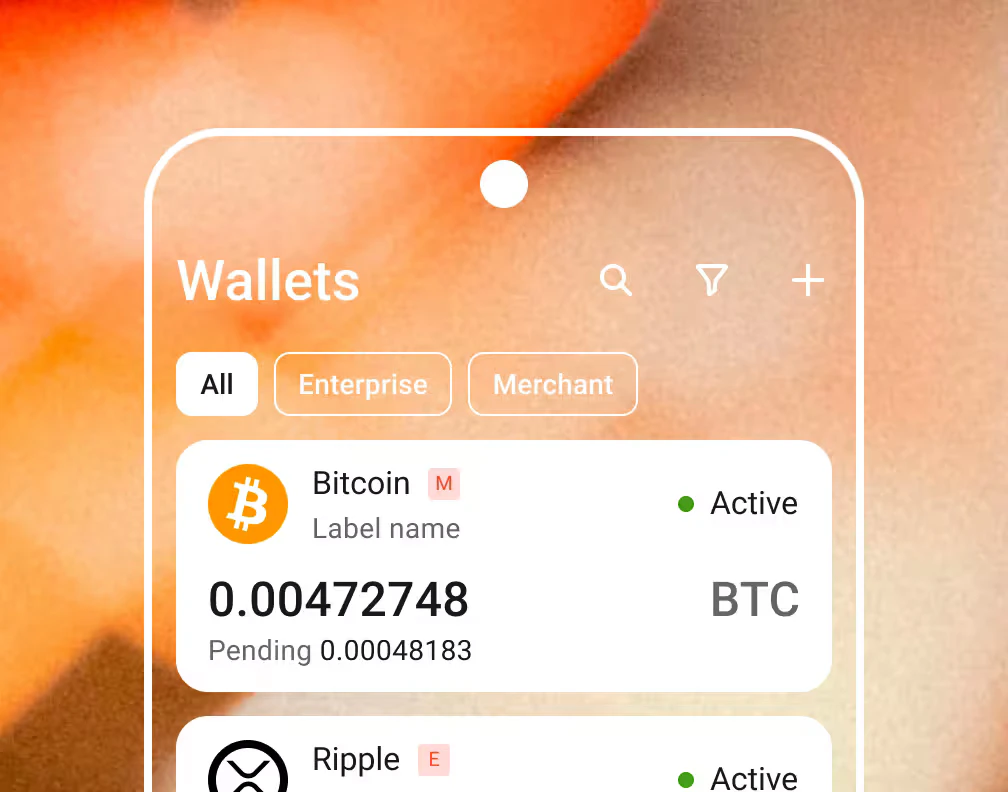
Cryptocurrencies payment button
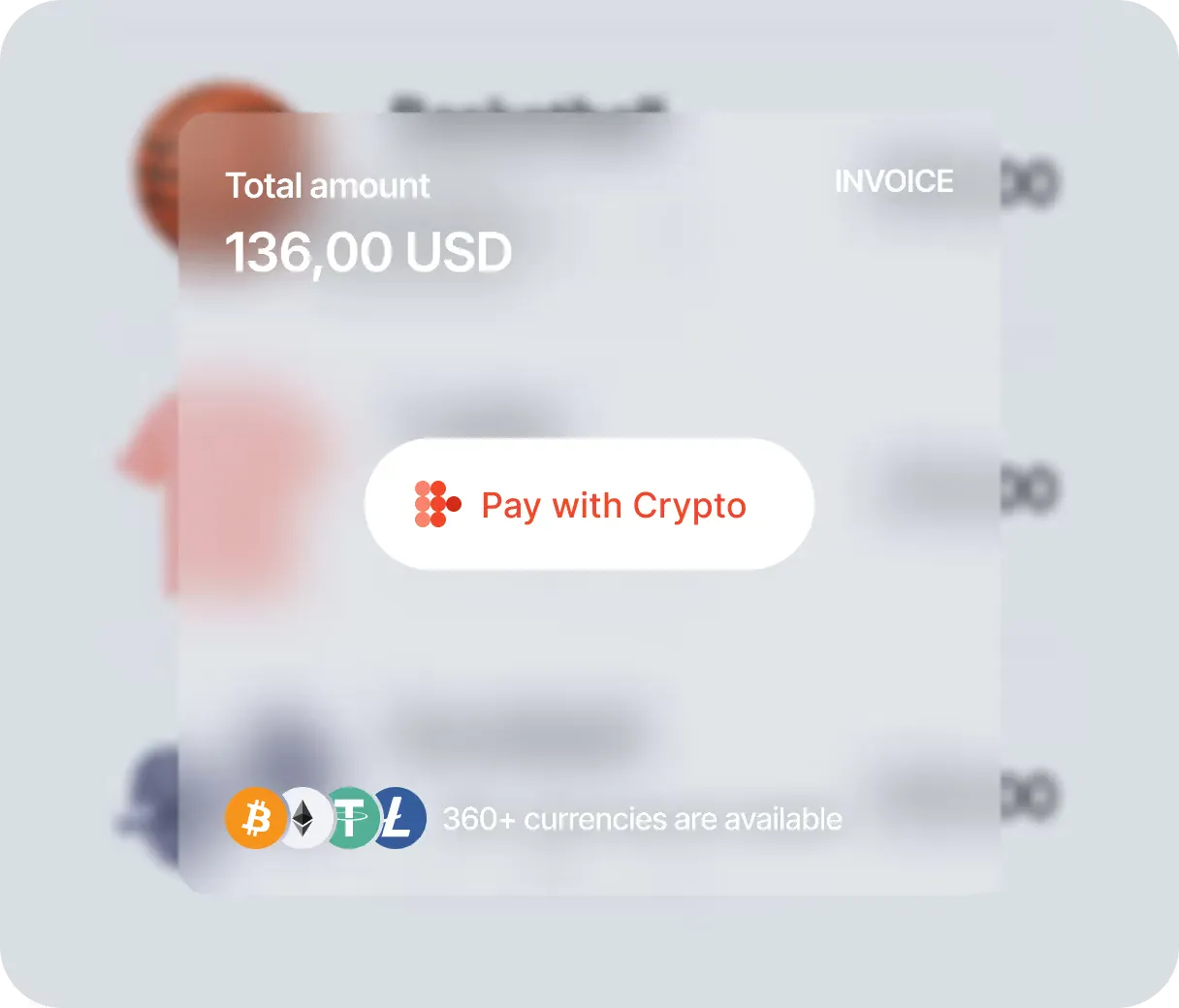
Transform your app or website into a revenue-generating machine by adding a crypto payment button. Just embed a ready-made code snippet, and you can begin accepting digital assets for goods and services. B2BINPAY supports major cryptocurrencies, including BTC, ETH, USDT, etc
- $5.1B
- Total Amount
- Processed in incoming transactions by 2025
- 6.7M
- Transactions
- Completed using our solution by 2025
- 983
- Business Customers
- Became our clients
by 2025
No-code integration

Our crypto payment gateway can be set up without complex coding. Just configure the settings and embed a line of code on your site, and you’re good to go
Instant conversion

B2BINPAY supports automatic conversion of crypto assets into specific currencies. For instance, Bitcoin and Litecoin deposits can be instantly converted to stablecoins for long-term storage
No limits

B2BINPAY has support for major cryptocurrencies, from BTC to ETH, DOGE, DAI, USDT, USDC, and more. Online merchants can accept numerous cryptocurrencies and altcoins without limits
Customization

Create a customized altcoin payment button that blends seamlessly into your website, with custom information fields to gather vital data. Change the button background, text color, title fields, and add a thank-you page to provide a unique customer experience
Fiat conversion

Our payment platform supports swift conversions of crypto assets to fiat currencies, mainly EUR/USD. You can manage your crypto earnings effectively, storing or converting them whenever you need
Support for diverse Web3 wallets

Our cryptocurrency payments infrastructure works seamlessly with Web3 wallets like MetaMask and WalletConnect. Hence, customers can seamlessly pay for purchased content and other goods and services
How to start
-
Register on B2BINPAY and complete the know-your-customer (KYC) verification process
-
Create a crypto wallet for automatic deposits when customers pay you
-
Add the provided code snippet to your mobile app, WordPress website, or other online platforms. B2BINPAY provides an easy-to-use frontend integration tool
-
Configure the payment settings. For instance, you can choose which tokens to accept and which ones to convert your deposits to
-
Preview and test the cryptocurrency payment button
-
Start accepting payments


Solutions for various industries
 E-commerce
  Forex and CFD Brokers
  Crypto Exchanges
  Gambling
  Merchants
  Car Dealership
  Converters
  Crypto Brokers
  Gaming
  Hedge/ Investment Funds
  Legal and Consulting
  Multi-Asset Brokers
  Margin Exchanges
  Real Estate
  Travel Industry
  Mobile Wallet Apps
  Resto
Resto  Adult
Adult  Donations
 Learn More
 B2BINPAY 26.2.10: Toncoin to Gram, Fee Control on AML Refunds, Commissions Ladder in the Client UI
  B2BINPAY 26.2.16: Improved Security, Layered Approvals, Failed Collections Retry, and a Quiet Captcha
  B2BINPAY 26.2.14: Faster Rates API, Steadier Deposits, One-Form Sign-Up
  B2BINPAY 26.3.1: Sender Addresses on Incoming Transfers, Support Inside the Account, Staff 2FA
 FAQ
The payment button is a code snippet you can embed on your website. This code snippet displays a custom payment button, which customers can click to pay you with mainstream digital tokens or altcoins
Yes, you can customize your B2BINPAY payment button the way you want. For example, you can use unique colors and text that match your brand. This customized button will enable seamless cross-platform payments from your customers. We offer seamless integration methods, wherein you can add the button by placing a code snippet on your site.
You can add a recurring crypto payment button via B2BINPAY. You’ll configure it on your B2BINPAY dashboard and add the provided code snippet to your website. Then, customers can use this button to pay monthly or annual recurring fees.
B2BINPAY lets you easily create a Bitcoin payment button on your website. You can configure the settings from your dashboard and add the code snippet to your site. Hence, customers can pay you via the standard Bitcoin blockchain or the superfast Bitcoin Lightning Network.